Your library, locally
An offline bookmark manager for what you want to find again.
Keep useful links, notes and images in a shelf stored in your browser. Prepare it online, then search your saved content and revisit locally saved text when your connection drops.
Try it without an account. Create a free account to keep saving and sync across devices.
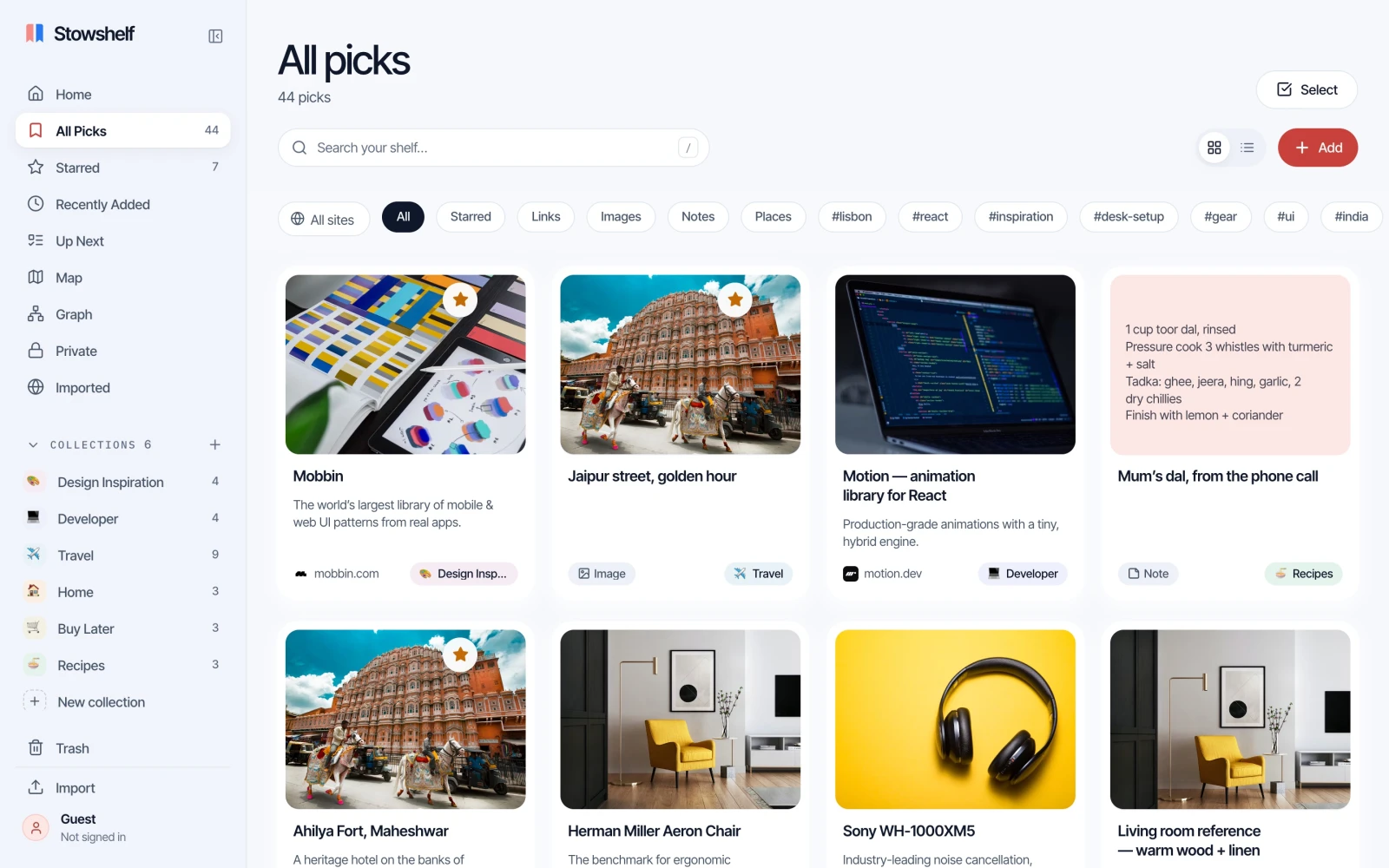
Keep the useful parts close
The link is the beginning.
Your context matters too.
A bookmark alone can be hard to recognize weeks later. Add a note about why you saved it, give it a tag, and keep related material together. Stowshelf stores your local library in this browser on your device.
Search previously saved titles, notes, tags and page text offline. A remembered phrase can bring you back to the right pick.
When page text extraction succeeds, that saved text can be read locally. This is a reading copy of the text, rather than an archive of the original webpage.
Know what travels with you
Online and offline, clearly.
Use the same browser and device you prepared online. Offline availability depends on the views and content already loaded there.
| What you want to do | With a connection | Prepared for offline use |
|---|---|---|
| Find a saved link | Search your saved titles, notes, tags and page text. | Search the same content already stored in this browser. |
| Read saved text | Page text can be fetched where extraction succeeds. | Read text already extracted and saved locally. Original page images and layout are not included. |
| Keep notes and images | Save notes and images to your local library. | Use the notes and images already saved locally. External thumbnails depend on the browser cache. |
| Save a new URL | Fetch a title, preview and page text where available. | Keep the URL. Fetching its preview and page text needs a connection. |
| Search by meaning | Semantic search needs a connection. | Use text search across your locally saved content. |
| Sync your shelf | Sync your signed-in library within your plan allowance. | Local work stays in this browser; sync resumes when you reconnect. |
Before you lose the signal
Three steps before you go.
Start with a connection
Open Stowshelf online in the browser and device you will take with you. Save your links, notes and images, or import your existing bookmarks.
Open what you will need
Use the library views and open the saved items you plan to revisit while still online. Views load when requested, so opening the homepage alone is not enough. Check that any text you want to read has been saved.
Check before you leave
Disconnect and try those views, your saved text and a few searches. Keep a JSON export of important work from Settings, especially if it exists only in this browser.
The practical details
Before you
count on it.
Can I open every bookmarked webpage offline?
A saved URL alone does not make the destination available offline. You can read locally saved text where extraction succeeded. Original images, interactive content and page layout are not a full offline archive, and some pages cannot be extracted.
Why should I open views before disconnecting?
Some screens are available offline only after you have opened them online. Open the views you need, then check them without a connection before relying on them.
Will my library stay on this device forever?
Browser storage is not a permanent backup. Clearing site data can remove local-only content. Keep a JSON export of important work and use account sync when you need another copy.
What happens when I reconnect?
New URL previews and page text need a connection to be fetched. If you are signed in, cloud sync can resume within your plan allowance. Semantic search also needs a connection.
How much can I save?
Try 25 saves without an account. Signing in removes that local guest limit. The Free plan syncs up to 500 picks. See pricing for current plan details.
Give your next good find
somewhere to stay.
Save it online. Add the context. Prepare your shelf for wherever you are going.